Page Templates and Slots
Define the structure of a page in code, while still giving editors visual flexibility where it makes sense.
With page templates and slots, developers can control which sections a page contains, which bricks are allowed in each area, and how much freedom editors should have in each part of the layout.
Page templates in React Bricks
What it is: Page templates define the structure, editable areas, and allowed content blocks for a page type.
How React Bricks handles it: React Bricks lets developers define templates and slots in code, including allowed bricks, fixed sections, defaults, and editing rules.
Why it matters: Pages can keep a predictable structure while editors still have visual flexibility in the areas developers choose.
Page Templates
Developers can define templates in the page type configuration. A template is made of slots: named sections of the page with their own rules, such as allowed bricks, minimum and maximum numbers of blocks, editability, and optional default content.
This is especially useful when some parts of the page must remain fixed, while others should stay flexible for editors. For example, a product details page might have fixed sections that fetch data fromexternal APIs, alongside editable areas for storytelling, FAQs, or promotional content.
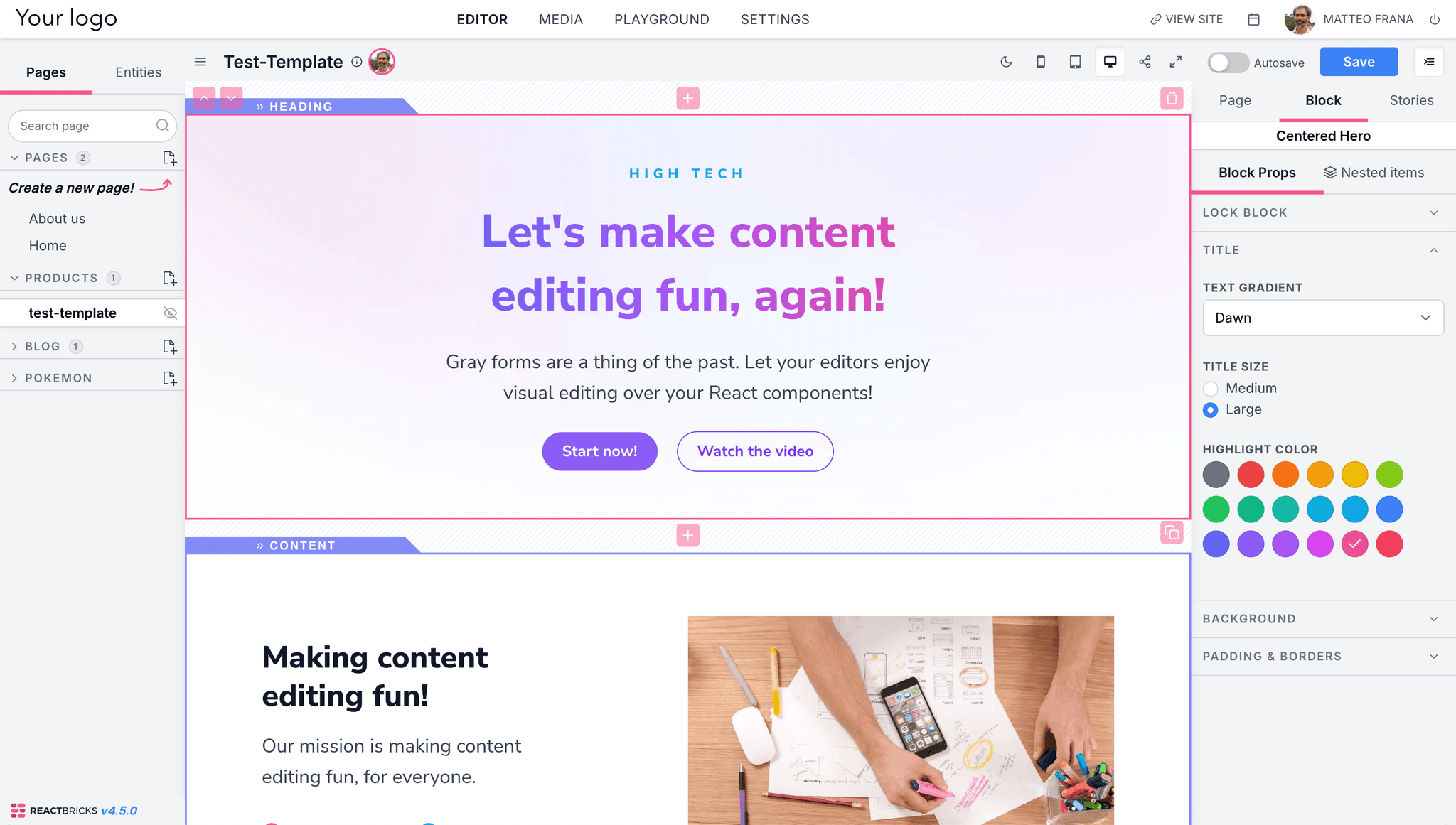
Rendering Single Slots
Instead of rendering a whole page with the React Bricks page viewer, you can also render individual slots. This gives developers more control when React Bricks-managed content needs to be interwoven with other React code or custom page logic.
For more implementation details, refer to the page template how-to and the Page Templates Documentation.