- News
New MCP Server for the React Bricks Docs

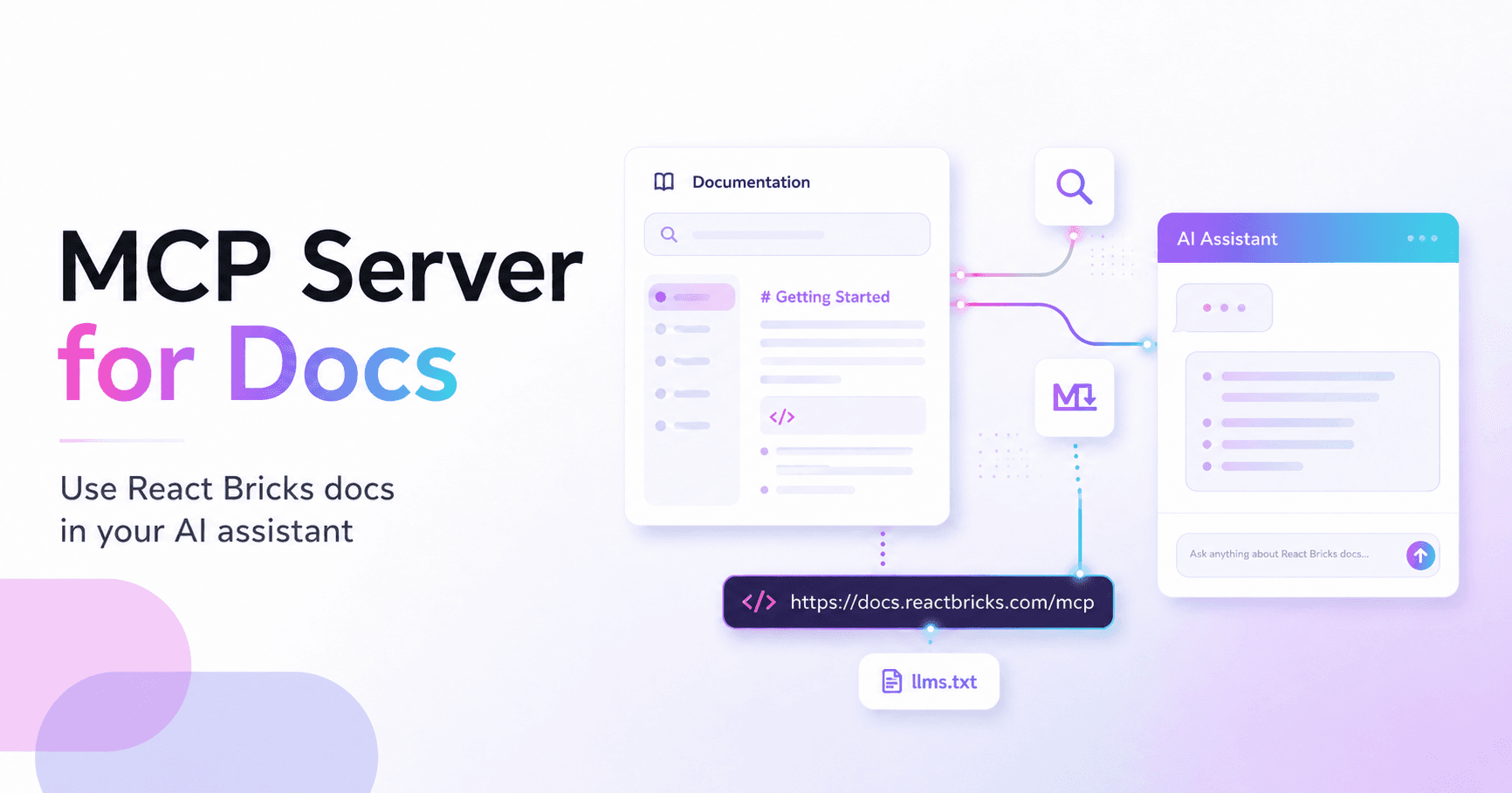
Use the React Bricks docs directly in your AI assistant
We have released a remote MCP server for the React Bricks documentation.
With it, MCP-compatible AI assistants can search and read the React Bricks docs while helping you build. Instead of relying only on generic knowledge about React, CMSs, or previous versions of a framework, your assistant can retrieve the exact React Bricks documentation pages it needs.
This is especially useful when working with concepts such as Bricks, visual editing components, schemas, sidebar controls, repeaters, stories, page types, templates, external data, and framework-specific setup.
Why we added MCP support
AI assistants are becoming part of the developer workflow. They can help scaffold code, explain APIs, debug issues, and suggest implementation patterns.
But they are only useful when they have the right context.
React Bricks has a specific architecture: content is structured through React components, enriched with schema definitions, and edited visually by content teams. To give good answers, an AI assistant needs to understand that model.
The new MCP server lets the assistant search the React Bricks documentation and fetch individual pages or sections as clean Markdown. This gives it much better context when answering questions or helping with implementation.
How to use it
You can connect your MCP-compatible assistant to the React Bricks docs endpoint:
https://docs.reactbricks.com/mcp
For example, in Claude Code you can add it with:
claude mcp add --transport http reactbricks-docs https://docs.reactbricks.com/mcp
Once connected, you can ask questions such as:
"Using the React Bricks docs, how do I create a nested repeater of bricks?"
The assistant can then search the docs, fetch the relevant pages, and use that context in its answer.
llms.txt support
For tools that do not support MCP yet, we also provide the documentation in llms.txt format, including a full version and a compact version.
This makes it easier to give AI tools the right context, even outside MCP-compatible environments.
A step toward AI-native developer experience
For React Bricks, this is part of a broader direction: AI should not work blindly. It should understand the tools, components, constraints, and content architecture of the project it is helping with.
The MCP server for the docs is a simple but important piece of that workflow.
You can find the setup instructions here: